


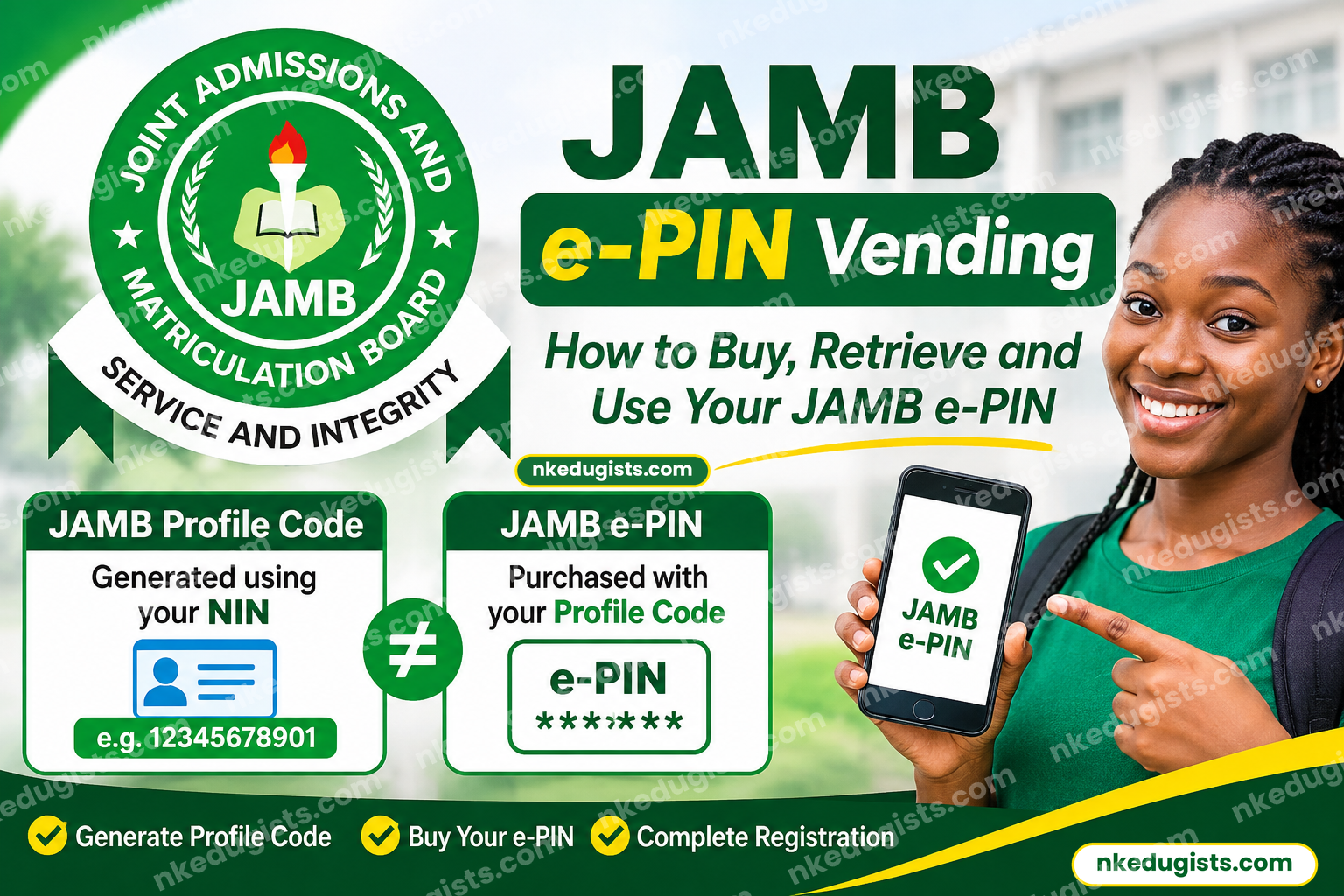
JAMB PIN vending is the process of purchasing and receiving the electronic Personal Identification Number (e-PIN) required to complete JAMB UTME or Direct Entry registration.
A candidate first generates a JAMB profile code using their National Identification Number (NIN). The profile code is then presented at an approved payment outlet to purchase the e-PIN.
The e-PIN is sent to the candidate’s registered phone number, and it must be presented with the profile code at a JAMB-approved Computer-Based Test (CBT) centre to complete registration.
If you are preparing for JAMB and have been asked to provide your profile code before buying the registration PIN, it is important to understand that the two are different. Your profile code is not the same as your e-PIN.
What Is the Difference Between JAMB Profile Code and e-PIN?
The JAMB profile code is a unique code generated for a candidate using their NIN. It is used to identify the candidate during the registration process.
The JAMB e-PIN, on the other hand, is the electronic registration PIN purchased after generating the profile code. It allows the candidate to proceed with UTME or Direct Entry registration.
In simple terms:
- Profile code: Generated using your NIN and registered phone number.
- e-PIN: Purchased with the profile code and sent to your phone.
- Registration: Completed personally at an approved JAMB CBT centre using both codes.
How to Generate Your JAMB Profile Code
Before buying your JAMB e-PIN, you must generate your profile code.
Follow these steps:
- Use the unique phone number linked to your NIN.
- Open your phone’s SMS application.
- Type NIN, leave a space, and enter your 11-digit NIN.
- Send the message to 55019 or 66019.
- Wait for JAMB to send your profile code by SMS.
For example, the message should look like this:
NIN 12345678901
Replace the sample number with your own NIN. Do not send your NIN to another person’s phone or share your personal registration details with an agent.
JAMB requires each candidate to use a unique mobile number. The number is important because it is linked to the candidate’s profile and future transactions with the Board.
How to Buy or Vend JAMB e-PIN
After receiving your profile code, you can proceed to purchase your JAMB e-PIN through JAMB’s approved payment channels.
The official JAMB registration guidelines list participating banks, mobile money operators (MMOs), microfinance banks (MFBs), financial switches and other approved outlets as e-PIN selling points.
The process is as follows:
- Take your JAMB profile code to an approved e-PIN vending outlet.
- Select the correct registration category: UTME without Mock, UTME with Mock, or Direct Entry, where applicable.
- Make the required payment for your selected category.
- The e-PIN will be sent electronically to your registered phone number.
- Keep the SMS containing your e-PIN.
- Visit a JAMB-approved CBT centre with your profile code and e-PIN to complete registration.
Important: Do not accept a handwritten e-PIN or allow an agent to keep your phone and handle your personal details without your supervision. JAMB’s guidelines require e-PINs to be delivered electronically to candidates.
If you have written JAMB before, Can you help other candidates? Yes. Share your centre name, address and transport fare through this short form so future candidates can find their own centre easily. Fill the form: Where Did You Write JAMB
How Much Is JAMB e-PIN?
The amount payable depends on the registration category and the charges announced by JAMB for that examination year.
For the 2026 registration exercise, JAMB’s official manual listed the following amounts:
| Registration category | 2026 approved amount |
|---|---|
| UTME without Mock | ₦7,200 |
| UTME with Mock | ₦8,700 |
| Direct Entry | ₦5,700 |
These are the published 2026 amounts, not confirmed prices for the 2027 registration exercise. Candidates should bookmark our website, so that when update, you can see the 2027 applicable fees before making payment.
How to Retrieve Your Already Purchased JAMB UTME PIN
Have you paid for your JAMB e-PIN but have not received the SMS, or have you accidentally deleted the message?
JAMB provides an SMS recovery option. Send UTMEPIN from the same phone number used for your registration to 55019 or 66019.
The e-PIN should be sent again to your registered phone number.
How to Retrieve Your Direct Entry PIN
If you purchased a Direct Entry PIN and can no longer find the message, send DEPIN from your registered phone number to 55019 or 66019.
Make sure you use the same number linked to your JAMB profile.
How to Retrieve a Lost JAMB Profile Code
If you have forgotten or misplaced your profile code, you do not need to create another profile immediately.
Send RESEND from the same registered phone number to 55019 or 66019. JAMB’s instructions state that the profile code will be sent again to that number.
How to Reset Your JAMB Profile Password
If you have forgotten your JAMB profile password, you can request a reset through the registered phone number.
Send the word PASSWORD, followed by a space and the email address linked to your JAMB profile, to 55019 or 66019.
Example:
PASSWORD yourname@gmail.com
Use the email address connected to your own JAMB profile. Do not use another person’s email address.
Can I Use the Same Phone Number I Used for JAMB in a Previous Year?
Yes. If you registered for JAMB in a previous year, you should not automatically buy a new SIM card or create another profile.
JAMB’s 2026 registration manual explains that returning candidates can continue using the same profile code and phone number used in previous years. If you still have access to the registered number, follow JAMB’s instructions for retrieving or refreshing your profile details where necessary.
If your SIM has been lost or is no longer working, contact your mobile network provider about recovering the same number. Do not use another candidate’s number to create a profile.
Can I Buy JAMB e-PIN at a Cybercafé?
You should purchase your e-PIN through an approved JAMB vending outlet. However, the actual UTME or Direct Entry registration must be completed at a JAMB-approved CBT centre.
A regular cybercafé is not authorised to conduct JAMB registration simply because it offers internet services. You can check the approved CBT centres through the official JAMB website.
What Should I Do After Buying My JAMB e-PIN?
After receiving your e-PIN, visit an accredited JAMB CBT centre with your profile code and e-PIN.
You will complete the registration process, provide your examination and institution choices, and undergo the required photograph and biometric capture.
Before confirming your registration, carefully check your personal details, course, institution and subject combination. Make sure the information is correct before completing the process.
For information about the registration form, you can also read our guide on JAMB form availability.
You may also find these guides useful:
- How to Create a JAMB Profile Code
- JAMB Registration and UTME Updates
- List of JAMB Approved CBT Centres
Frequently Asked Questions About JAMB PIN Vending
1. What is JAMB PIN vending?
JAMB PIN vending is the process of purchasing and receiving the e-PIN required to complete UTME or Direct Entry registration.
2. Is JAMB profile code the same as e-PIN?
No. The profile code is generated using your NIN, while the e-PIN is purchased with the profile code and used to complete registration.
3. How do I retrieve my JAMB e-PIN?
Send UTMEPIN to 55019 or 66019 from the phone number linked to your JAMB profile. For Direct Entry, send DEPIN.
4. How do I retrieve my JAMB profile code?
Send RESEND from your registered phone number to 55019 or 66019.
5. Can I use my old JAMB profile code?
JAMB’s 2026 manual states that returning candidates can continue using the same profile code and registered phone number from previous years. Follow the current year’s instructions if the profile needs updating.
6. Where can I complete my JAMB registration?
You must complete your registration at a JAMB-approved CBT centre.
If you have written JAMB before, Can you help other candidates? Yes. Share your centre name, address and transport fare through this short form so future candidates can find their own centre easily. Fill the form: Where Did You Write JAMB

12 Comments
I do changes of names on my NIN and it s showing the name I changed when registering for jamb
The changes have not taken effect, that is why it didn’t reflect.
Sorry i purchase jamb utme form so the that help me in access maked mistake indeed of utme she choose direct entry please what can we do?
JAMB Direct Entry is mainly for those that already possess a diploma certificate and wishes to go for a degree programme in the university. Which means it is not meant for you kindly ask the person to redo it
You Have NOT Vended PIN before. Kindly Visit the CBT Centre to Purchase your Form. After I purchased from and profile code sent to me, have not yet see my epin since last week on 5th march, 2022.
I recovery method UTMEPIN by sending to 55019 they sent above message to me.
Okay.
Am unable to see my result and tried to create an account… Saying error
I have sent my NIN to 55019, but they replyed and said that I should create my profile code or resend. I did that again but to no avail.
Check the way to create Jamb profile code. https://nkedugists.com/jamb-invalid-character-found/
They sent that I don’t have vended pin that I should visit the CBT center to purchase form. What should I do
You can create the 2023 Jmab pin vending yourself. kindly check this link out
https://nkedugists.com/jamb-invalid-character-found/
Ok if so you can still visit the CBT center. Or Visit https://nkedugists.com/jamb-invalid-character-found/